Tasks
Tasks are your queue of follow-up work, created from issues, from rules, or by hand from the river right-click menu. The Tasks page is in the main nav.
Two views
The page has two tabs:
- List View (
/tasks): a flat, sortable table of all tasks. - User View (
/tasks/user): a Kanban-style board grouped by assignee.
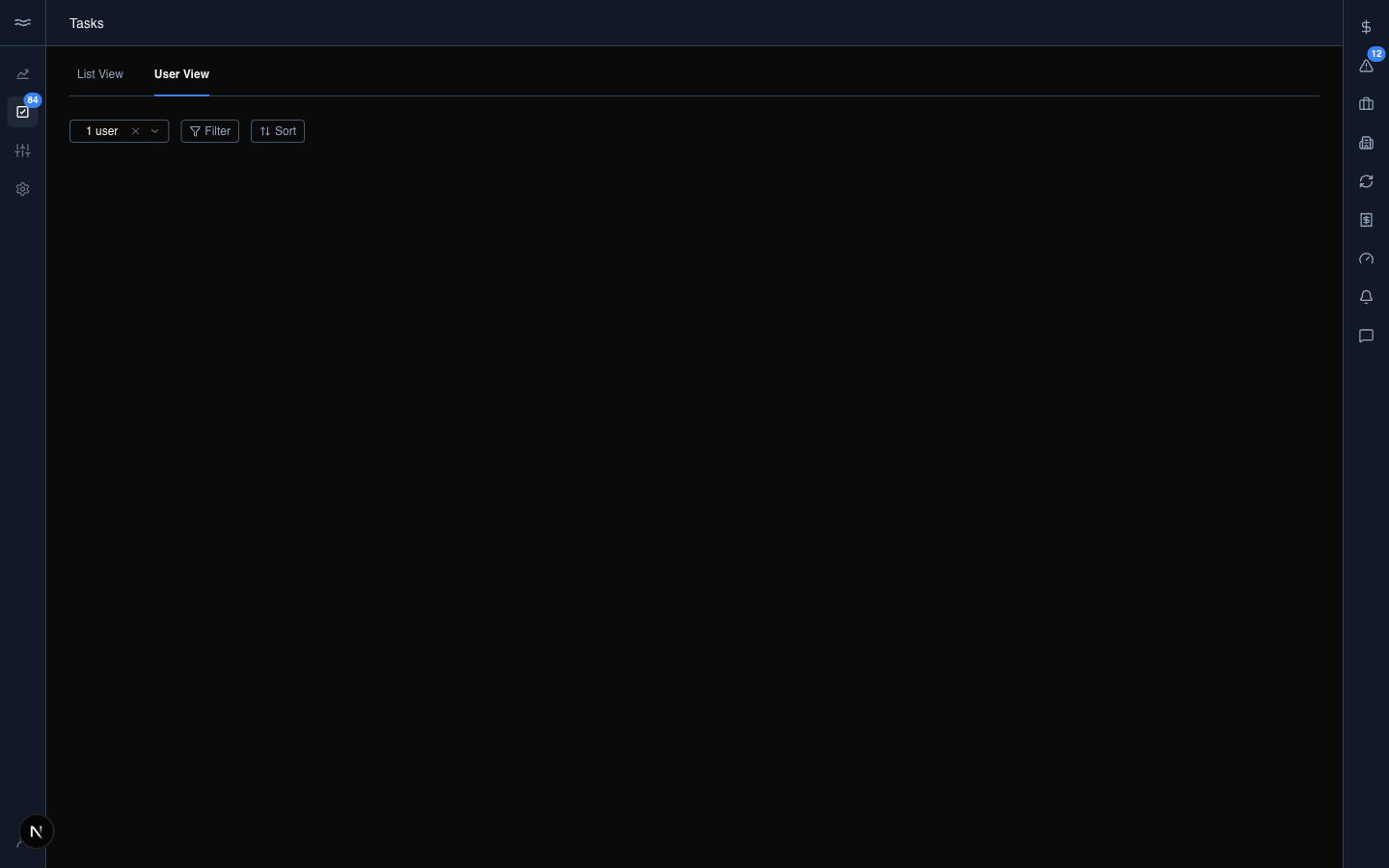
Each view keeps its own filter state, so switching tabs preserves the filters you set on each. The user filter defaults to you; clear it to see other people's queues. The sort control (due date, priority, created) applies to the User View. Click a task's card in either view to open it.
Working a task
Opening a task shows the detail modal. The fields have two saving behaviors:
- Status, Assignee, and Priority save immediately when you change them. The activity log records each change as a separate entry. Comments also post immediately.
- Title, Description, and Due Date stay local until you click Save Changes.
The activity log at the bottom of the modal records every status change, assignment change, and comment. Use it to reconstruct what happened when a task is handed off.
Tasks linked to an issue, rule, or transaction show jump buttons in the sidebar. Clicking one closes the modal and opens that entity in the river sidebar.