Deals
Deals are your CRM pipeline, synced into River and placed on the same axes as realized revenue, so you can read an open opportunity next to what the account already buys. Open the Deals panel from the Browse group in the right sidebar.
Browsing deals
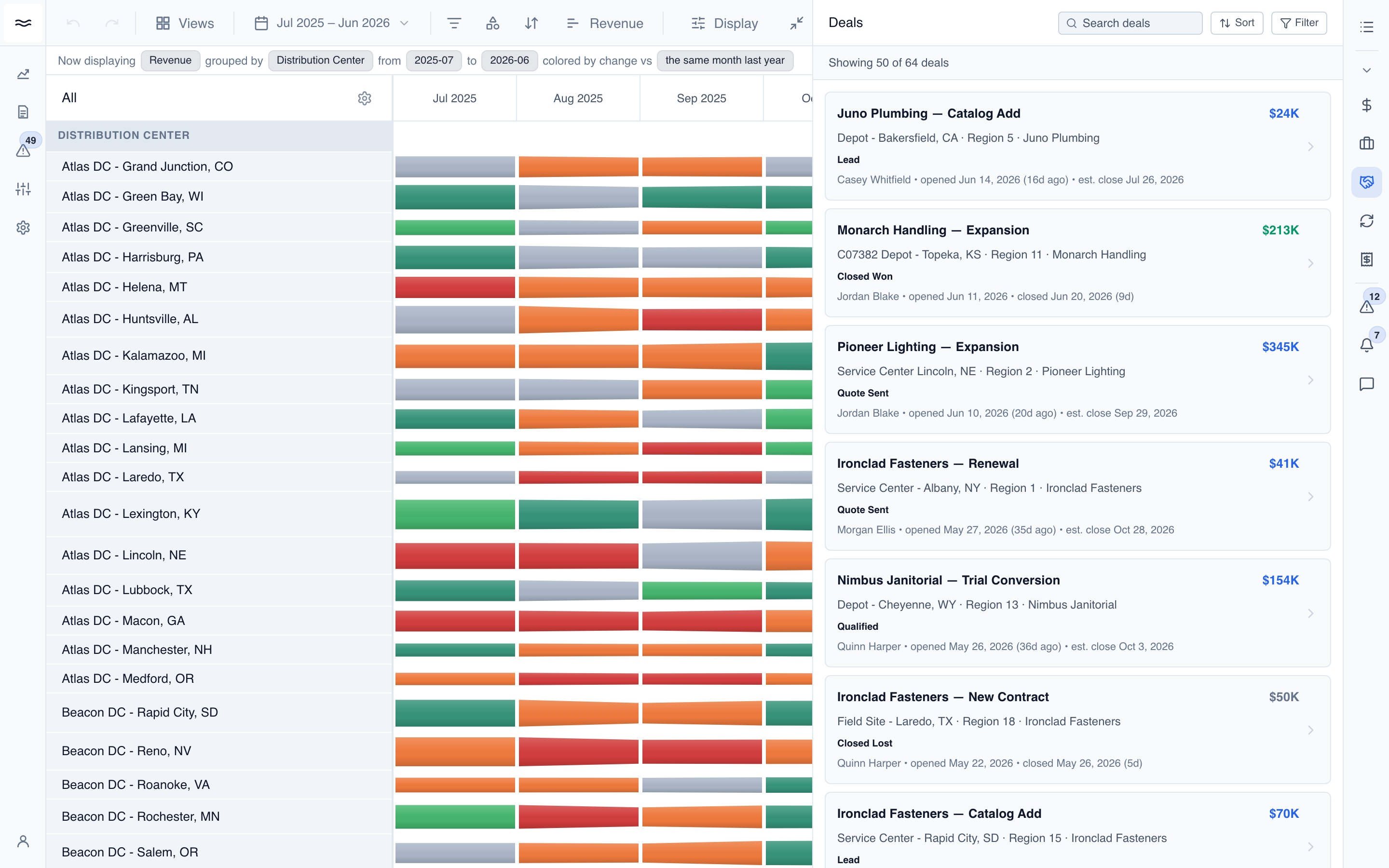
The count bar sums the book (64 deals · $41.3M total).
- Search: looks up deal names on the server.
- Sort: Newest, Oldest, Value (high to low or low to high), or Days open.
- Filter: Stage, Facility, Manufacturer, and Owner facets, derived from the loaded deals.
Each card shows the deal name and value, a facility · region · manufacturer line, a stage badge, and the owner with the open date and days open. The stripe on the left edge encodes lifecycle: blue for open pipeline, green for Closed Won, and muted for Closed Lost.
Reading a deal
Click a card to open the detail view. It shows the deal's value and stage at the top, then the owner, sub-stage, manufacturer, facility, opened date, and days open:
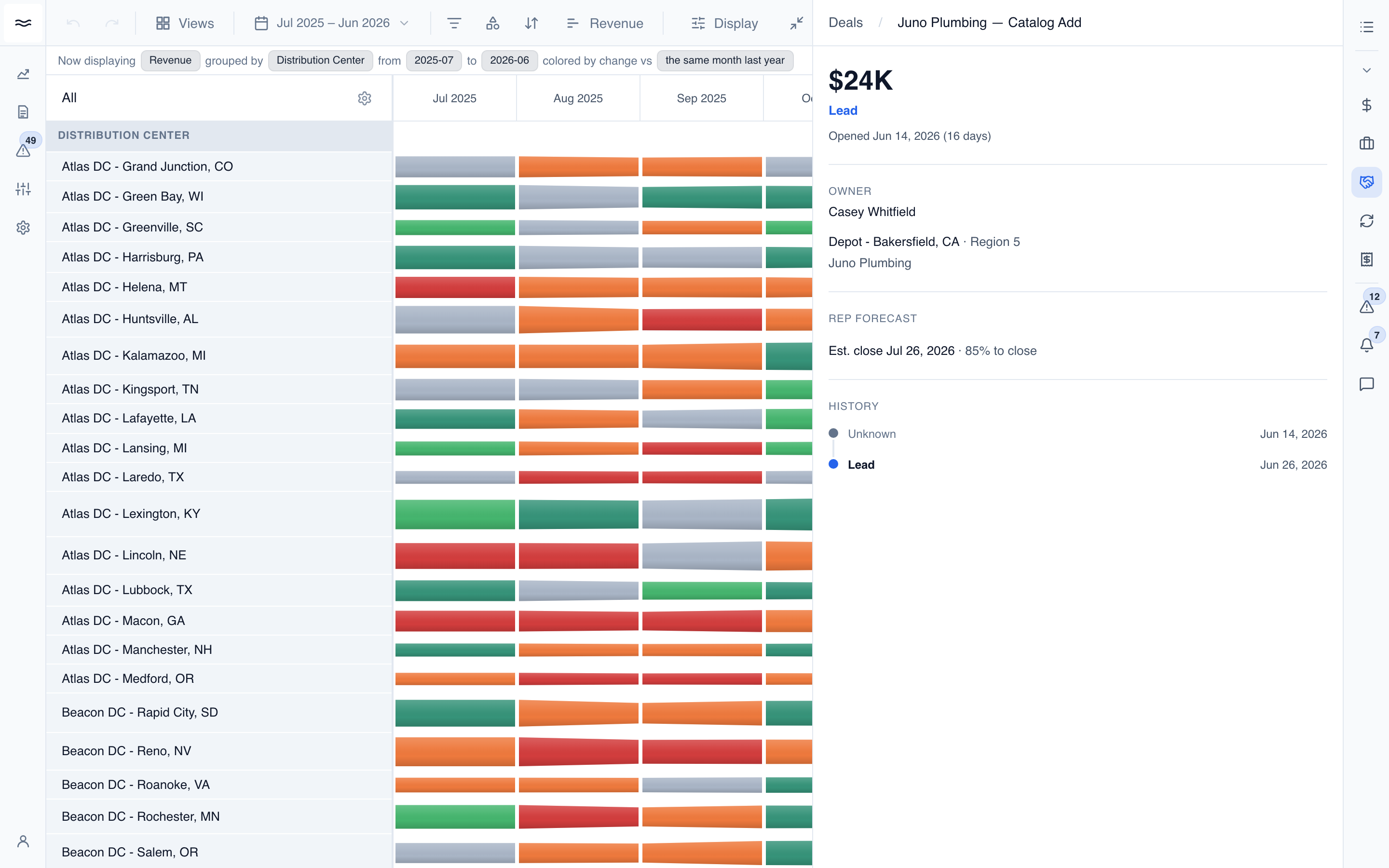
Deal records are read-only here. Edit them in the CRM; the changes sync back into River.
Deals on the river
Deals can render directly on the river as stage-colored badges, pinned to the month each deal opened:
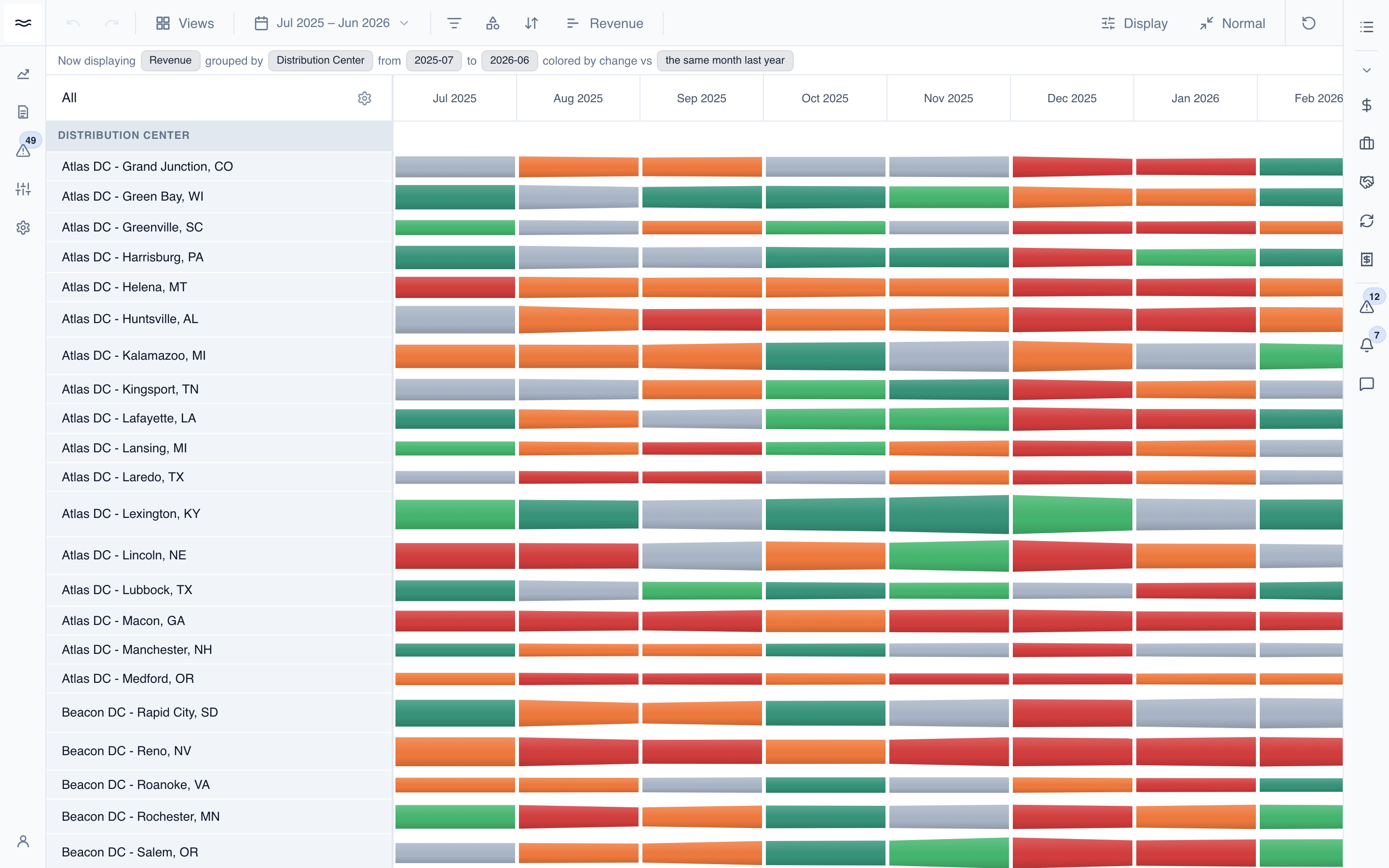
Turn the badges on from the Deals tab of the toolbar's Icons popover. Selecting Stage or Owner chips places the badges on the canvas. A deal lands on the bands that match its facility, region, or manufacturer. Groupings that a deal cannot be mapped to show no badges.
When multiple deals open in the same band-month, they collapse into one badge with a +N count. Click the badge to page through the cell's deals. Each entry shows its stage, value, facility, and owner, with a View button that opens the full record in the Deals panel.