Notifications
Notifications appear in two places: the in-app feed (the bell in the right sidebar) and the settings page (Settings → Notifications).
In-app notifications
Open the bell from the right sidebar:
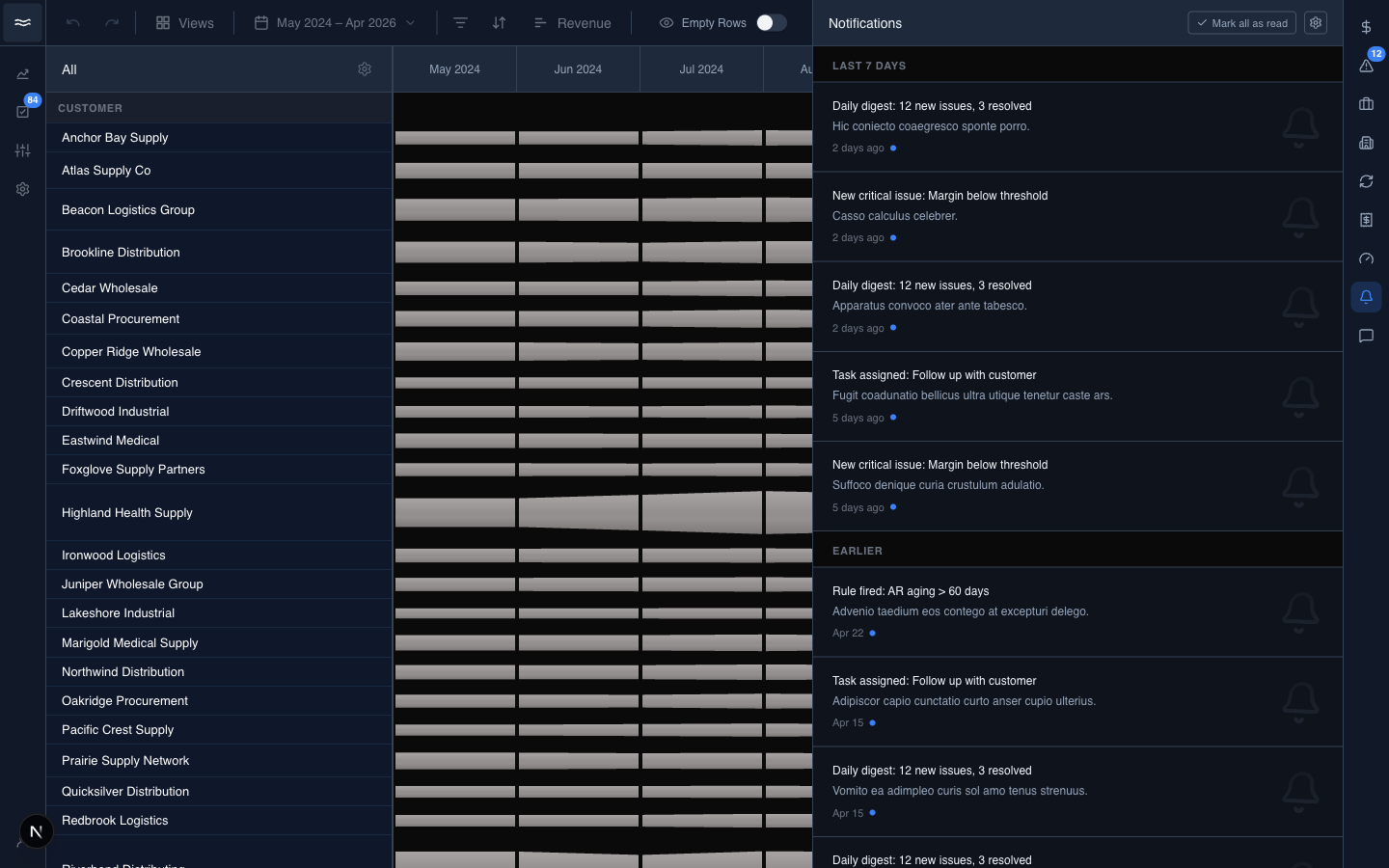
Notifications are grouped by date, newest first. Each row shows the title, a one-line description, the time, and an unread dot. Hover a row to reveal the dismiss button. A small watermark icon marks the topic: issue, chargeback, case, task, rule, or system.
The only controls at the top right are Mark all as read and the gear, which opens settings. The list holds at most 100 items.
Settings: channels and topics
Open Settings → Notifications:
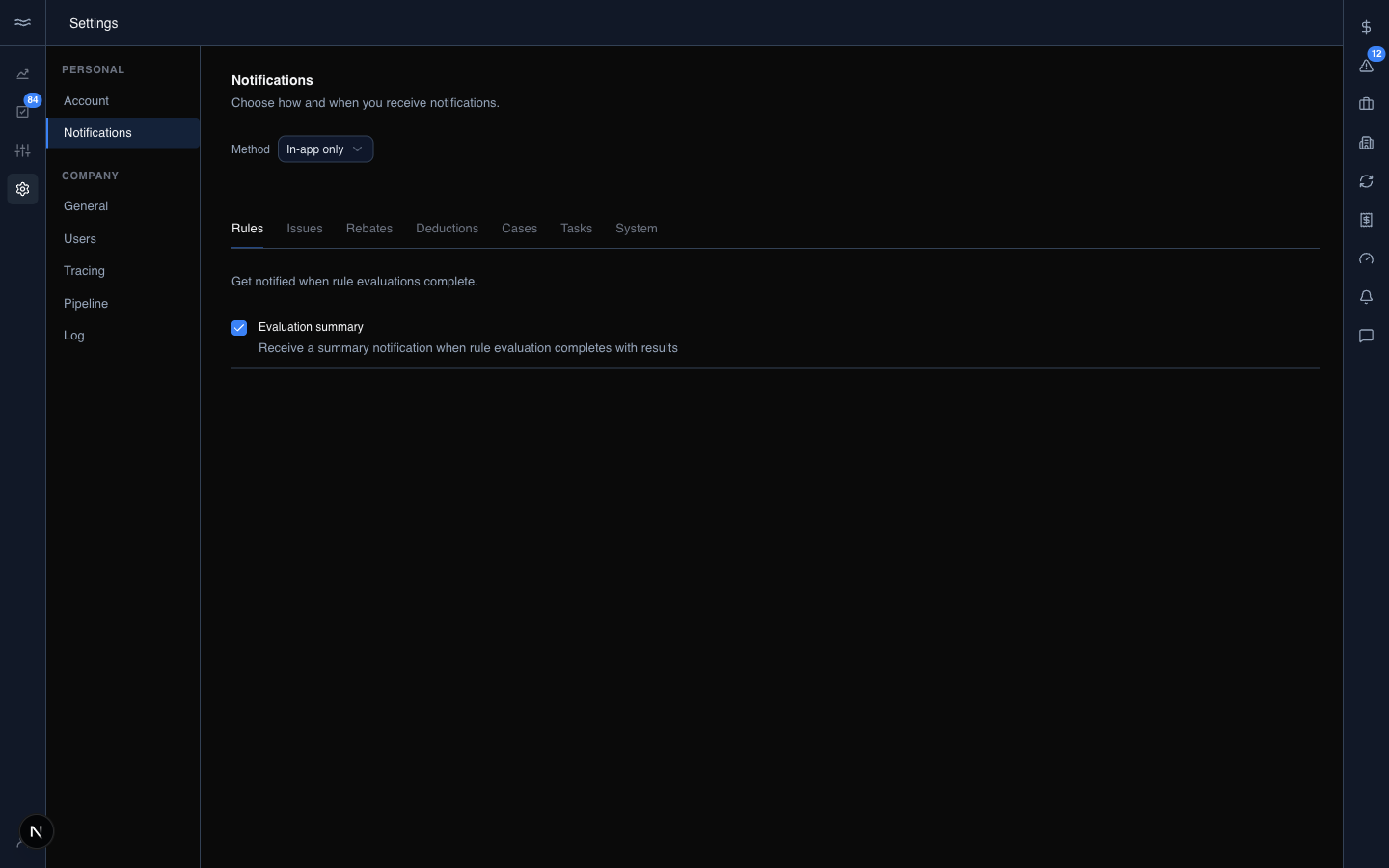
How you're notified: three independent checkboxes: In-app, Email, and Digest. Turning Digest on reveals a frequency selector (Daily or Weekly) that batches your notifications into one summary email. In-app and Email deliver per event.
What you're notified about: a flat list of topics, each with its own toggle and, where relevant, thresholds:
- Issues: new issues assigned to you or relevant to you.
- Chargebacks: the deduction and rebate lifecycle, with three thresholds: amount claimed over $X, received-vs-claimed gap over $X, and filing deadline within N days.
- Cases: cases open longer than N days.
- Rule evaluation summaries: a digest each time the rules engine finishes a run.
- Task assigned to me.
- Data import failures: sync and pipeline problems.
Changes queue into the settings save bar. Click Save to apply them.
System events
Import failures and rule-run summaries fire from the pipeline and the rules engine rather than from operator activity, so they can arrive at any hour. Recurring problems are deduplicated where possible so a stuck sync does not flood the feed.