Ask in plain English
The assistant gives a concise answer you can understand in seconds, backed by the same definitions as every dashboard. No query to write, no schema to learn.
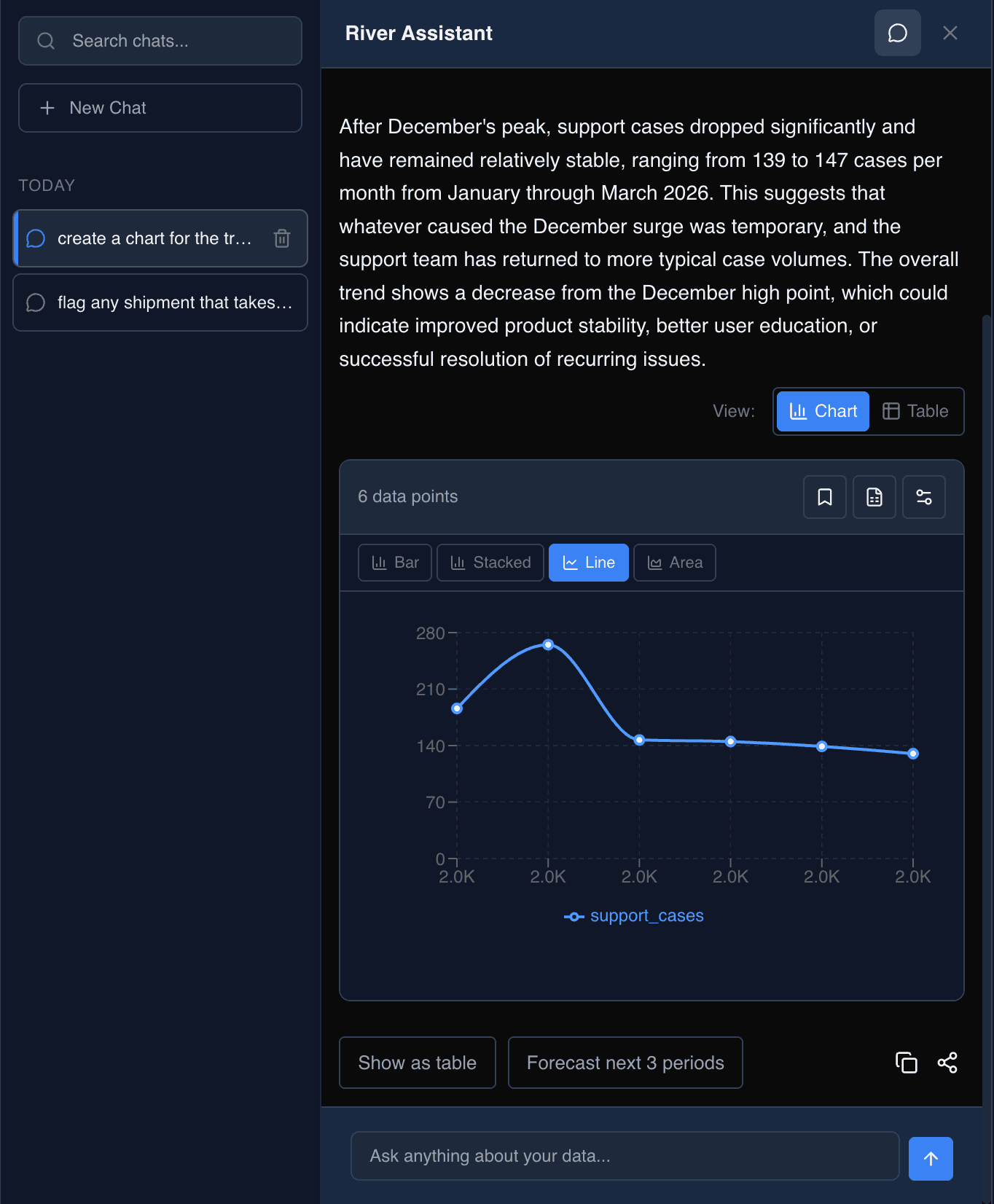
Keep your reasoning in one place
Ask for a figure, set up a check, or settle what a term means all in the same thread.
Get the numbers
“Revenue by region for Q3 as a stacked bar.”
Visualize your intuition without voodoo data analytics.
Draft a rule
“Flag any shipment that takes more than 10 days to deliver.”
Describe a problem once and it's watched for automatically from then on.
Check a definition
“What counts as gross margin here?”
Settle what a number means on the spot, without chasing whoever built the report.
Turn your key questions into permanent rules
Codify your tribal knowledge into formal processes so your team knows what to do without you looking over their shoulder.
Learn more about rules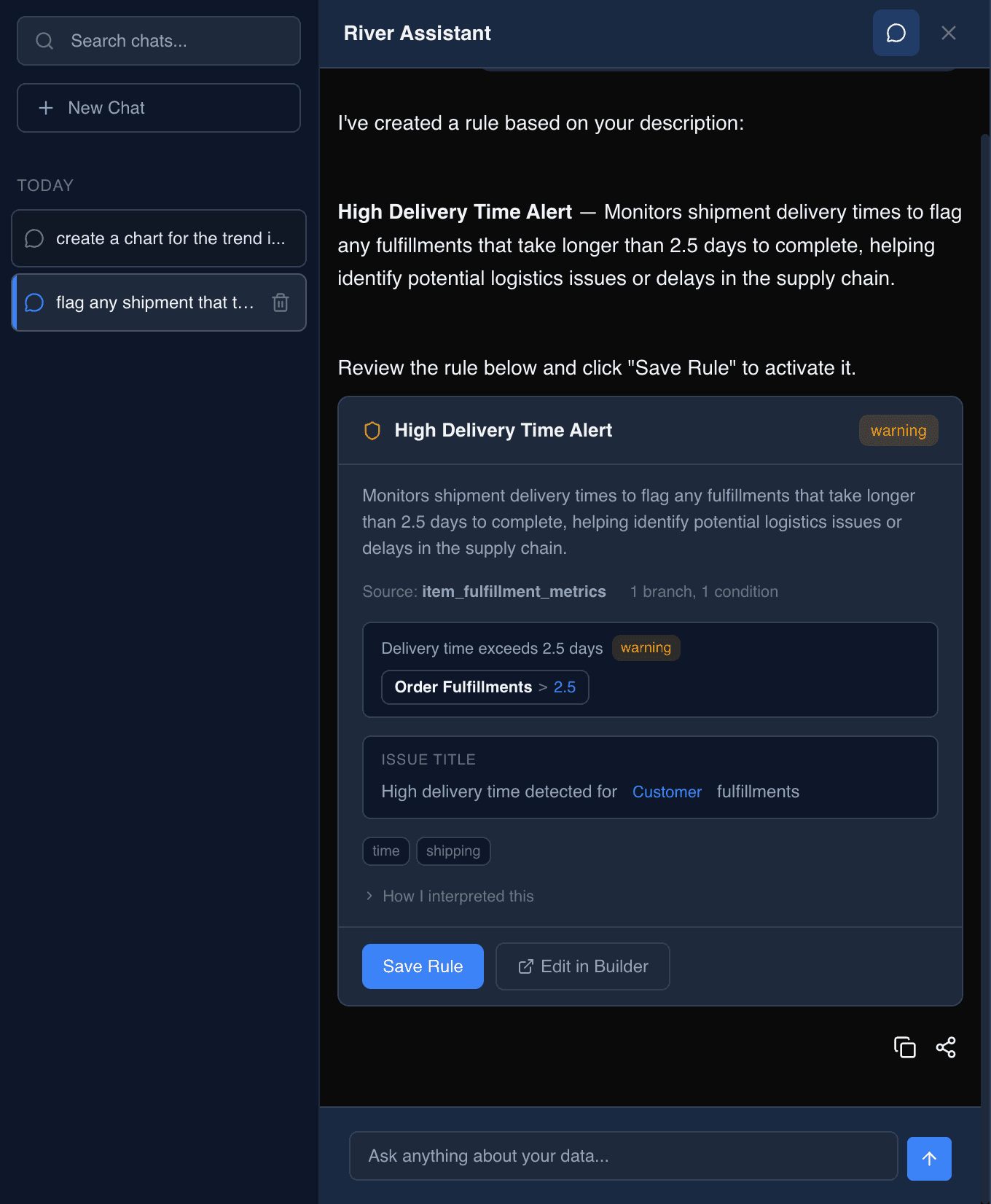
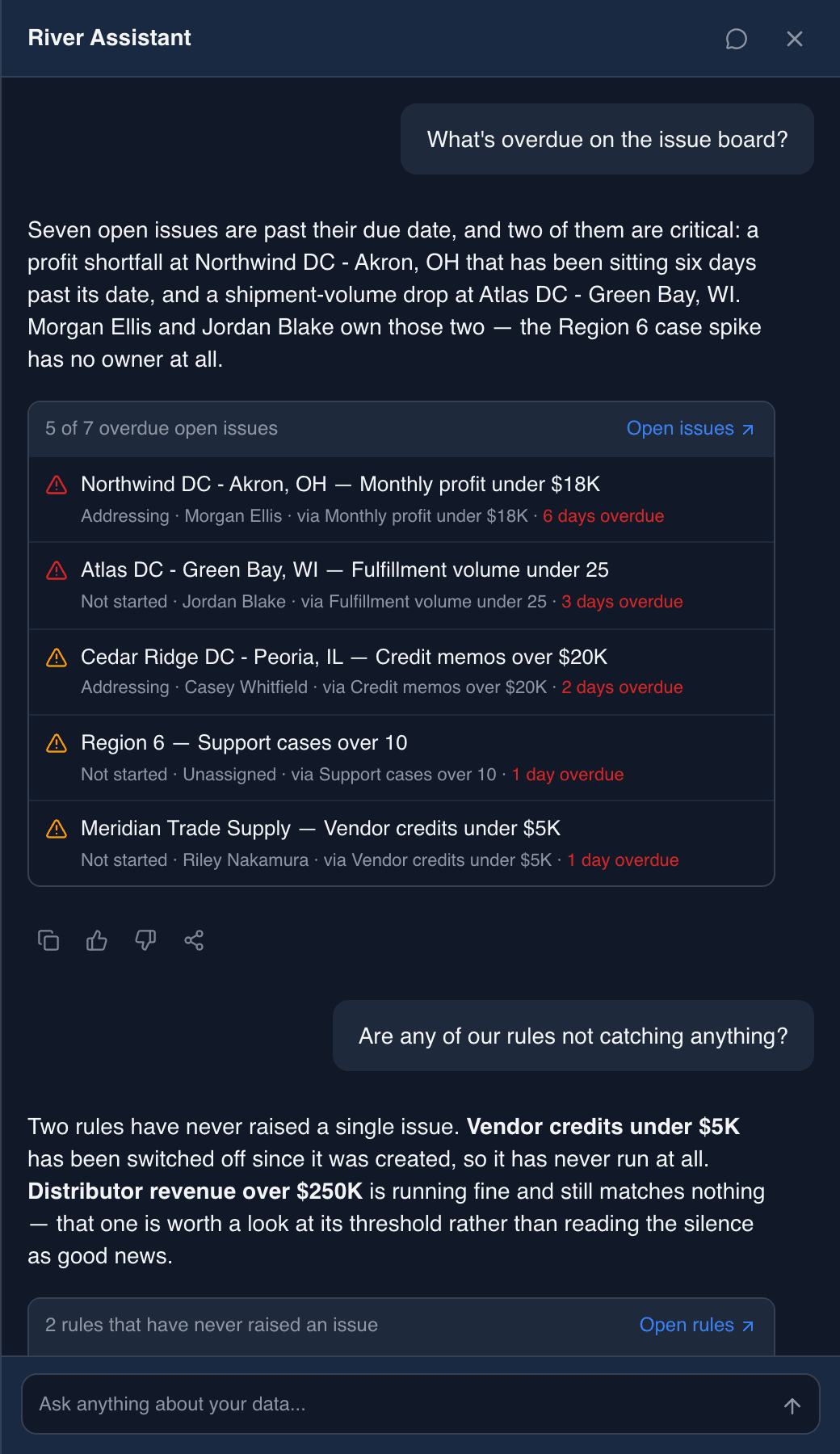
Every answer arrives with its evidence
Not a paragraph claiming something is wrong — the rows themselves, each with the owner, the rule that raised it, and how late it is. You can act on the answer without going to look it up again.
Try it on your own data
Bring a question from last quarter. We'll show the answer, the rows behind it, and the rule that catches it next time.